
Log In to Your MegaPari Account
Access your MegaPari account instantly via the official website or the dedicated mobile app for iOS and Android. Enter your registered email or phone number along with your password to complete the MegaPari sign in process in under 30 seconds. Your account is protected by SSL encryption and optional two-factor authentication (2FA), giving you secure entry to sports betting, casino games, active bonuses, and your full transaction history.
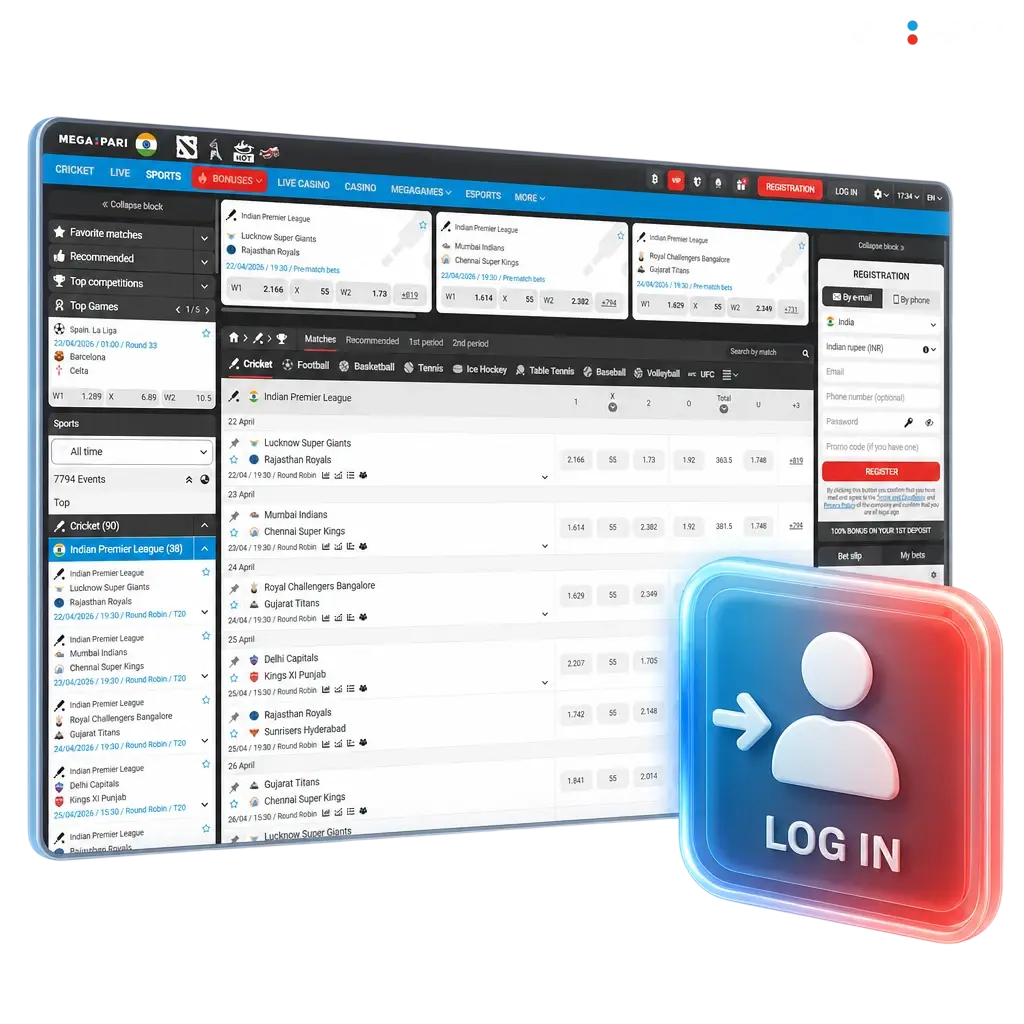
How to Log In to MegaPari: A Step-by-Step Guide
The MegaPari account login process takes under 30 seconds on any device. Follow these steps to access your account:
Click the Log In Button
Click the Log In button at the top right corner of this page.
Enter Your Credentials
Enter your registered email address or phone number in the first field.
Type Your Password
Type your password in the second field. Your password is masked by default; tap the eye icon to reveal it if needed.
Tick Remember Me
Tick the Remember Me checkbox if you are on a personal device to stay signed in automatically on future visits.
Press Log In to Confirm
Press Log In to confirm. You will be redirected directly to your account dashboard, where your balance, active bonuses, and betting history are displayed.
Fast Access via Social Networks
Skip manual password entry by connecting through an account you already use. MegaPari supports one-click login via Google, Telegram, and Apple ID. Each method uses OAuth 2.0 encryption, links to your existing profile automatically, and never creates a duplicate account.
Available quick-login integrations:
- Google;
- Telegram;
- Apple ID.
Log In with Google
Your existing Google account connects to MegaPari in a single tap, with no additional password required. Google’s OAuth 2.0 protocol keeps your credentials on Google’s servers; MegaPari never stores them.
- Click Log In on this page.
- Select the Google icon from the social login options.
- Choose your Google account from the pop-up list.
- Grant the requested permissions. Your MegaPari session opens immediately.
Log In with Telegram
Telegram login is ideal for mobile users who have the Telegram app installed, as authentication completes entirely within a familiar interface. No password is shared with MegaPari at any stage.
- Click Log In on this page.
- Select the Telegram icon.
- A Telegram authorization request opens. Confirm your identity inside the Telegram app.
- Return to the MegaPari page; your account loads automatically.
Log In with Apple ID
Apple ID login uses Apple’s private email relay, which means MegaPari never receives your real email address unless you choose to share it. This option is available on Safari and any iOS or macOS device running iOS 13 or later.
- Click Log In on this page.
- Select Sign in with Apple.
- Authenticate with Face ID, Touch ID, or your Apple ID password on your device.
- Approve the authorization prompt. Your MegaPari account opens without any further steps.
Can’t Log In? Reset Your Password
If you have forgotten your password, recovery takes under two minutes. Click Forgot Password? on the login screen, enter your registered email address or phone number, and a one-time verification code (OTP) or a reset link will arrive within 60 seconds. If the email does not appear in your inbox, check your spam or junk folder before requesting a second code.
Possible Account Login Problems on MegaPari and Their Solutions
A small number of technical issues can prevent a successful MegaPari sign in. The table below covers the most frequent problems and the exact steps to resolve each one.
| Problem | Solution |
|---|---|
| Incorrect password entered | Click Forgot Password? and reset via email or phone OTP. Passwords are case-sensitive; verify Caps Lock is off. |
| Account temporarily locked after 5 failed attempts | Wait 15 minutes for the automatic lock to lift, then retry. Alternatively, reset your password immediately to bypass the lockout period. |
| Verification code (OTP) not received | Check your spam folder. If the code has not arrived within 2 minutes, click Resend Code. Confirm your registered phone number has an active SIM. |
| Browser blocking the login page | Clear cookies and cached data for the site, or switch to an incognito window. Google Chrome 120+ and Firefox 121+ are fully supported. |
| Two-factor authentication (2FA) code rejected | Ensure your authenticator app is time-synced. In Google Authenticator, tap Sync time under Settings. If the issue persists, use a backup recovery code. |
How to Reset Your MegaPari Password
Password recovery on MegaPari is handled entirely through the login screen with no need to contact support in most cases. Two recovery methods are available: email reset link and SMS OTP.
- Click the Forgot Password? link located directly below the password field on the login screen.
- Choose your preferred recovery method: Email or Phone Number. Enter the value associated with your registered profile.
- Check your email inbox or SMS messages. An OTP or a direct password reset link will arrive within 60 seconds. For email recovery, check the spam folder if the message is not in your inbox.
- Enter the OTP in the verification field, or open the reset link. You will be directed to a page where you can set a new password.
- Type your new password, confirm it in the second field, and click Save. Log in immediately using your updated credentials.
New to MegaPari? Create an Account Here
Registration on MegaPari takes under 60 seconds and is open to new users right now. Completing your first deposit activates a welcome bonus package that includes up to 100% on your initial deposit, giving you more funds to place bets or spin casino titles from day one of your account.
FAQ
Can I stay logged in on the MegaPari mobile app between sessions?
Yes. Enable the Remember Me option during login, and the app retains your session until you manually log out or revoke access from your account security settings.
Does MegaPari support two-factor authentication for added account security?
Yes. You can activate 2FA in your account profile under the Security section. The platform is compatible with standard TOTP authenticator apps including Google Authenticator and Authy.
Is it possible to have more than one active MegaPari session at the same time?
Yes. Your account can be accessed simultaneously on the desktop site and the mobile app. Each session is independent, and you can log out of individual devices from the Active Sessions panel in your profile settings.
What should I do if my account has been suspended and I cannot log in?
A suspended account cannot be reactivated through the standard login screen. Contact MegaPari customer support via live chat or email with your registered account details to receive a status update and resolution steps.
Does logging in through a social network (Google, Telegram, Apple) affect my existing MegaPari balance or bonuses?
No. Social login connects to your existing profile; it does not create a new account. Your balance, active bonuses, and transaction history remain exactly as they were before switching to a social login method.
Updated: